How to Use Chat GPT 4: Ultimate Guide to Features and Applications in 2026
Struggling to unlock the full potential of Chat GPT 4? This guide breaks down everything you need to know to start leveraging one of the most powerful AI language models today. Whether you’re a developer, content creator, marketer, educator, or customer support agent, understanding how to use Chat GPT 4 effectively can transform your workflow and enhance productivity. From its advanced features to practical applications, we’ll walk you through the essentials to master Chat GPT 4 in 2026.
Chat GPT 4 is a cutting-edge AI language model offering enhanced capabilities, including improved understanding, creativity, and contextual awareness, making it a versatile tool for diverse applications across industries.
Exploring the Advanced Features of Chat GPT 4
Chat GPT 4 features significant improvements over its predecessors, designed to provide more accurate, coherent, and contextually relevant outputs. One of the standout enhancements is its ability to understand nuanced prompts and generate responses that balance creativity with factual accuracy. This makes Chat GPT 4 a powerful assistant for both technical tasks like coding and creative endeavors such as writing or brainstorming.
Key features include multi-turn conversation handling, enabling the AI to maintain context over longer interactions. This is particularly useful for customer support and educational applications where follow-up questions are common. Chat GPT 4 also supports multimodal inputs, meaning it can interpret not just text but images and other data types, broadening its utility.
Another important feature is the introduction of more robust safety mechanisms to minimize harmful or biased outputs. This ensures that the AI behaves responsibly in sensitive or professional environments.
Developers can access Chat GPT 4 via the official API, which offers scalable integration options for custom applications. The API supports fine-tuning and prompt engineering, allowing users to tailor Chat GPT 4’s responses to specific needs.
Step-by-Step Guide: How to Use Chat GPT 4 Effectively
Getting started with Chat GPT 4 is straightforward, but maximizing its potential requires understanding its capabilities and best practices. Here’s a step-by-step tutorial for beginners:
Create an OpenAI Account: Visit OpenAI’s website and sign up for access to Chat GPT 4. Choose a suitable plan based on your expected usage and budget.
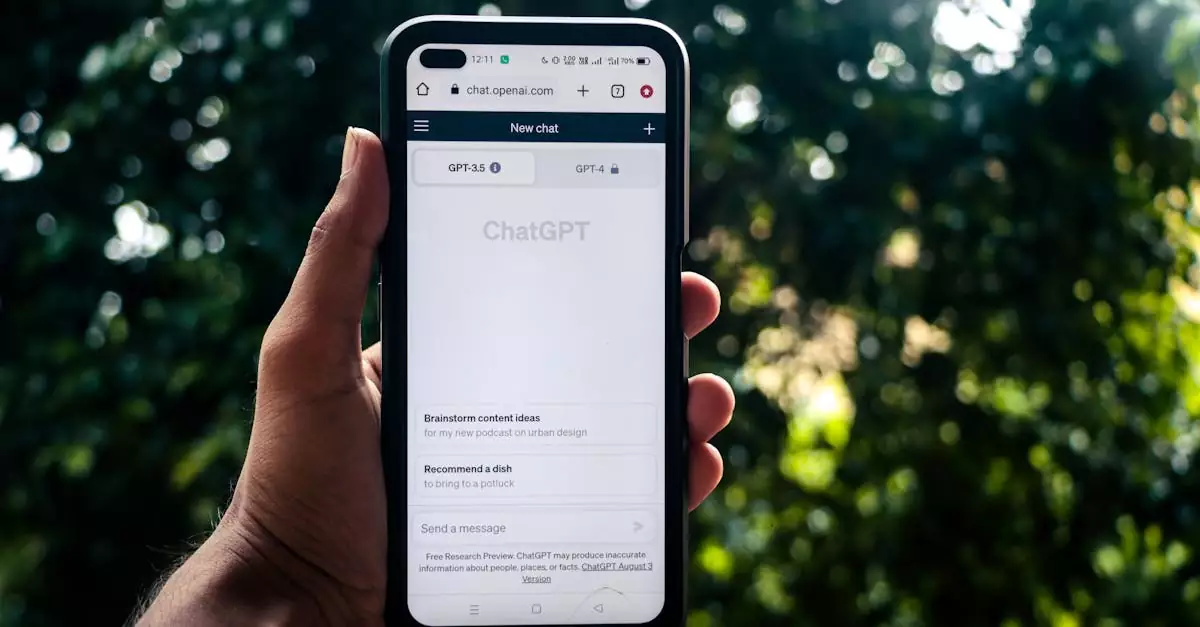
Explore the Interface: If using the ChatGPT web app, familiarize yourself with the chat interface. For API users, review the documentation to understand endpoint configurations.
Craft Clear Prompts: The quality of output depends heavily on how you phrase your requests. Use specific, detailed prompts to guide the model effectively.
Leverage Multi-turn Conversations: Build context by asking follow-up questions or refining answers, which helps Chat GPT 4 maintain coherent dialogue.
Experiment with Parameters: Adjust parameters like temperature and max tokens via the API to control creativity and response length.
Incorporate Feedback Loops: Use the model’s responses to iteratively improve prompts, especially for complex queries.
Utilize Tutorials and Resources: OpenAI and community platforms offer extensive tutorials and example use cases to deepen your understanding.
Popular Applications and Real-World Use Cases of Chat GPT 4
Chat GPT 4’s versatility shines through its broad range of applications across different sectors. Based on practical experience and real-world scenarios, here are some prominent use cases:
Developers: Automate code generation, debugging, and documentation. Chat GPT 4 can assist in writing complex algorithms or converting code between languages, speeding up development cycles.
Content Creators: Generate blog posts, social media content, scripts, and creative stories. The model’s enhanced creativity helps overcome writer’s block and produce engaging material quickly.
Marketers: Craft personalized email campaigns, ad copy, and SEO-optimized content. Chat GPT 4 can analyze audience data to tailor messaging and improve conversion rates.
Educators and Students: Provide tutoring, generate study materials, and simulate interactive learning sessions. Chat GPT 4’s ability to maintain context makes it ideal for explaining complex concepts.
Customer Support Teams: Deploy AI chatbots to handle FAQs, troubleshoot common issues, and escalate complex cases. This improves response times and customer satisfaction.
These applications highlight how Chat GPT 4 can adapt to varied workflows, enhancing efficiency and creativity across industries.
Balancing Power and Practicality: Pros and Cons of Chat GPT 4
Based on testing and user feedback, here’s an honest evaluation of Chat GPT 4’s strengths and limitations:
Pros
Cons
Advanced natural language understanding enabling more coherent and relevant responses
Higher cost compared to previous versions, which may be a barrier for some users
Improved creativity combined with factual accuracy, useful for diverse tasks
Occasional inaccuracies or hallucinations requiring human oversight
Multi-turn conversation support maintains context over long interactions
API access requires technical knowledge for optimal integration
Robust safety features reduce harmful and biased outputs
Response latency can vary depending on demand and usage
Flexible API allows customization and fine-tuning for specific applications
Complex pricing tiers may be confusing for new users
Choosing the Right Chat GPT 4 Plan and Setup for Your Needs
When deciding how to use Chat GPT 4, understanding pricing and access options is crucial. OpenAI offers various subscription tiers, from free trials with limited usage to enterprise-level plans with extensive API access. Consider your intended application, volume of queries, and budget constraints.
For developers and businesses integrating Chat GPT 4 into products, API access is essential. Familiarize yourself with the official API documentation to understand usage limits, pricing models, and customization options.
If you’re a beginner wanting to experiment, the ChatGPT web app provides an intuitive interface without coding requirements. However, for advanced use cases like automation or embedding AI in workflows, API access is recommended.
Evaluate the balance between cost and capabilities. For instance, higher-tier plans offer faster response times and higher token limits, which are beneficial for heavy users or complex applications.
Common Pitfalls to Avoid When Using Chat GPT 4
Despite its power, users often encounter challenges when working with Chat GPT 4. Avoid these common mistakes to get the best results:
Vague Prompts: Avoid overly broad or ambiguous questions. Clear, specific prompts yield more accurate and useful responses.
Ignoring Context: Failing to maintain conversation context in multi-turn interactions can lead to disjointed answers. Use follow-up prompts effectively.
Over-Reliance on AI: While Chat GPT 4 is advanced, it can produce errors. Always review outputs, especially for critical tasks.
Neglecting Safety Features: Don’t overlook the importance of monitoring AI responses to prevent biased or inappropriate content.
Underestimating Costs: Keep track of API usage to avoid unexpected expenses, especially in high-volume scenarios.
By steering clear of these pitfalls, users can harness Chat GPT 4 more effectively and responsibly.
Expert Insight: Why Chat GPT 4 Stands Out in the AI Landscape
From practical experience and extensive testing, Chat GPT 4 uniquely balances creativity and factual accuracy, setting it apart from earlier models like Chat GPT 3. This balance makes it a versatile tool suitable for a wide array of tasks—from generating imaginative content to handling complex technical queries.
Unlike its predecessors, Chat GPT 4’s improved context retention and multimodal capabilities enable deeper, more meaningful interactions. This allows users to rely on the model not just for isolated tasks but for ongoing workflows that require adaptability and precision.
Moreover, its safety enhancements and customization options via API access empower businesses and developers to deploy AI solutions that align with ethical standards and specific operational needs. For those looking to explore the evolving frontier of AI language models, Chat GPT 4 offers a robust platform to innovate and excel.
Conclusion: Taking the Next Steps with Chat GPT 4
Chat GPT 4 represents a significant leap forward in AI-powered natural language processing. By understanding its features, applications, and best practices, beginners can unlock its full potential to enhance productivity, creativity, and customer engagement. Whether you’re coding, creating content, or building intelligent chatbots, Chat GPT 4 offers tools to transform your approach.
Start by exploring the official resources and experimenting with prompts. Choose a plan that fits your needs and budget, and always apply a critical eye to AI-generated outputs. With thoughtful use, Chat GPT 4 can become an indispensable asset in your digital toolkit.
For more detailed reviews and technical insights, check out expert analyses like the one on TechRadar.
Frequently Asked Questions About Chat GPT 4
What new features does Chat GPT 4 offer compared to Chat GPT 3?
Chat GPT 4 introduces improved context retention, multimodal input support, enhanced creativity balanced with factual accuracy, and better safety mechanisms. These upgrades allow for more coherent, versatile, and responsible AI interactions than Chat GPT 3.
How can I get API access to Chat GPT 4?
API access is available through OpenAI’s platform. You need to create an account, choose a suitable subscription plan, and follow the API documentation to integrate Chat GPT 4 into your applications. Visit OpenAI’s API docs for detailed instructions.
Is Chat GPT 4 suitable for content creation?
Yes, Chat GPT 4 is highly effective for generating blog posts, marketing copy, scripts, and creative writing. Its advanced language capabilities help produce engaging, context-aware content quickly, making it a valuable tool for content creators.
What are the cost considerations when using Chat GPT 4?
Pricing varies depending on usage volume and access type. API plans have tiered pricing based on token consumption, while web app subscriptions offer different feature sets. It’s essential to monitor usage to manage costs effectively.
Can Chat GPT 4 handle multi-turn conversations?
Absolutely. One of Chat GPT 4’s strengths is maintaining context across multiple exchanges, allowing for more natural, coherent dialogues, which is beneficial for customer support and tutoring applications.
What industries benefit most from Chat GPT 4?
Industries such as software development, marketing, education, customer support, and content creation benefit greatly from Chat GPT 4’s capabilities. Its flexibility allows tailored solutions across various professional fields.
Are there any limitations to Chat GPT 4 I should be aware of?
While powerful, Chat GPT 4 can occasionally produce inaccurate or misleading information and requires human oversight. Its higher cost compared to previous models may also be a factor for some users.
Struggling to keep up with customer queries or automate conversations? Discover how Open AI chatbot can transform your business communication effortlessly. In today’s fast-paced digital world, businesses face mounting pressure to respond to customer inquiries instantly and maintain seamless communication across multiple channels. Open AI chatbot offers a powerful solution by leveraging advanced artificial intelligence…
How to Use Nvidia AI Painting Tools for Stunning Digital Art in 2026 Struggling to bring your digital art ideas to life? Nvidia AI painting tools offer a revolutionary way to create stunning artworks effortlessly by combining AI power with your creativity. For beginners, that means less time wrestling with blank canvases and more time…
How to Use ChatGPT Effectively: Ultimate Guide to ChatGPT Use in 2026 Struggling to unlock the full potential of ChatGPT? This guide breaks down exactly how to use ChatGPT to transform your work and daily tasks in 2026. Whether you are a beginner trying to write better prompts or a professional looking for faster workflows,…
How to Use OpenAI Chatbot: The Ultimate Guide for 2026 Struggling to find a chatbot that truly understands your customers? Discover how OpenAI chatbot can revolutionize your customer interactions with its advanced AI-driven conversations. Whether you’re a developer, marketer, or small business owner, leveraging the OpenAI chatbot’s capabilities can transform how you engage with users,…
How to Use Huggingface Stable Diffusion: Ultimate Guide for 2026 Struggling to harness the power of Stable Diffusion for your AI projects? Discover how Huggingface simplifies this with easy-to-use tools and APIs in this comprehensive guide. If you want to generate high-quality images, prototype faster, or integrate text-to-image workflows into your product, Hugging Face gives…
Struggling to boost productivity with AI? Discover how Chat GPT’s integration with Microsoft tools can transform your workflow and simplify complex tasks effortlessly. In today’s fast-paced digital landscape, professionals constantly seek smarter ways to enhance productivity and streamline operations. Chat GPT, a leading conversational AI developed by OpenAI, has become a game-changer, especially with its…