Best AI Tools for UX Design in 2026
UX design taking too long? In today’s fast-paced digital world, designers are constantly challenged to deliver intuitive, user-friendly experiences without compromising on speed or quality. Thankfully, AI tools for UX design have emerged as game-changers, helping designers streamline workflows, enhance creativity, and reduce time spent on repetitive tasks. Whether you’re crafting wireframes, prototyping, or conducting user research, AI UX tools can provide valuable assistance to optimize your design process.
In this article, we’ll explore the best AI tools for UX design in 2026, highlight their key features, and demonstrate how they can transform your design workflow. If you’re a designer looking to leverage AI to speed up prototyping and create better user experiences, this guide is tailored just for you.
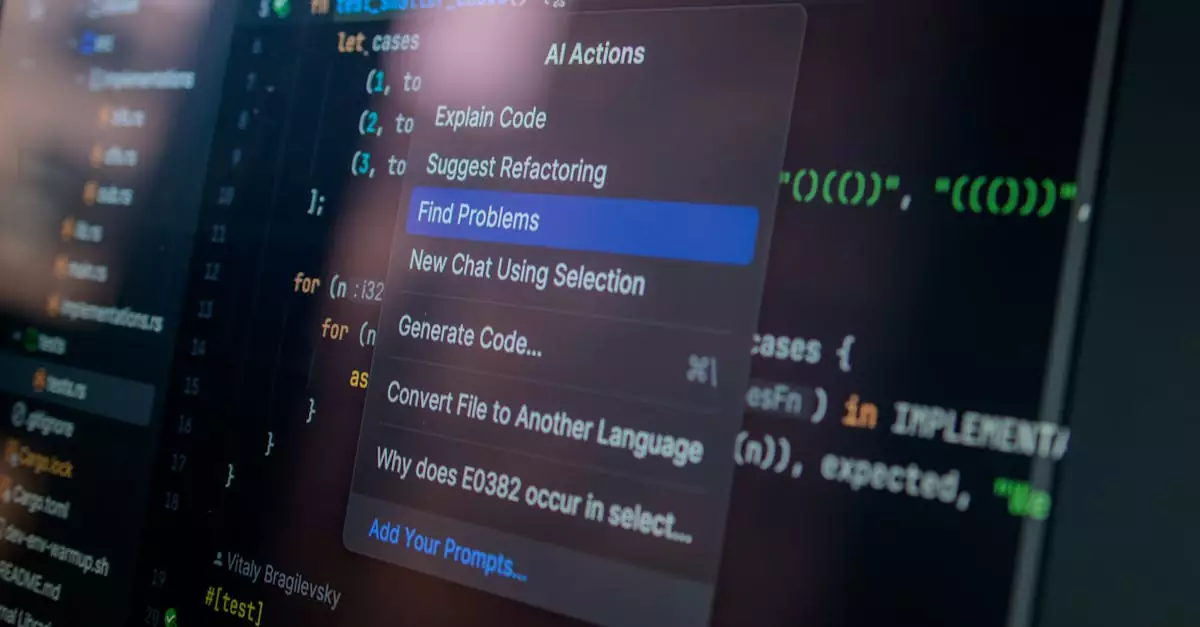
AI tools for UX design are software solutions that leverage artificial intelligence to automate, enhance, and accelerate various stages of the UX design process, from user research and wireframing to prototyping and usability testing.
Top AI UX Tools Revolutionizing Design in 2026

With the rapid evolution of AI technology, a variety of AI UX tools have surfaced, each catering to different aspects of the design journey. Here’s a detailed look at some of the most powerful AI tools for UX design that are making waves in 2026:
- Figma with AI Plugins: Figma remains a staple in UX design, and its integration with AI-powered plugins elevates its capabilities. Plugins like Figma AI assist designers with automated layout suggestions, content generation, and accessibility checks, speeding up the prototyping process.
- Uizard: Uizard is an AI-driven design tool that transforms sketches or wireframes into interactive prototypes instantly. Using computer vision, it interprets hand-drawn designs and converts them into digital assets, saving hours in initial design phases.
- Adobe Sensei: Integrated within Adobe’s Creative Cloud, Sensei uses AI to analyze user behavior and generate design insights. It helps automate repetitive tasks such as resizing, content-aware fill, and image tagging, allowing UX designers to focus on creativity.
- Looka: Though primarily a branding tool, Looka’s AI-powered design assistance helps UX designers create consistent visual identities quickly, which is crucial for seamless user experiences.
- Maze: Maze uses AI to analyze user testing data, providing actionable insights that help UX designers refine prototypes based on real user interactions, enhancing usability and engagement.
- Sketch2Code: Developed by Microsoft, this AI tool converts hand-drawn sketches into HTML prototypes automatically, accelerating the transition from concept to code.
These AI UX tools are designed to complement designers’ creativity and expertise, not replace them. By automating mundane tasks and offering data-driven insights, they empower designers to innovate faster and with greater precision.
Why AI-Enhanced UX Design is Crucial for Modern Designers
AI tools for UX design matter because they address several key challenges faced by designers today:
- Speed and Efficiency: AI accelerates time-consuming tasks such as wireframing, prototyping, and user testing analysis, enabling designers to meet tight deadlines without sacrificing quality.
- Data-Driven Decisions: AI analyzes vast amounts of user data to reveal patterns and preferences, helping designers create more personalized and effective user experiences.
- Improved Creativity: By automating repetitive tasks, AI frees up designers’ mental bandwidth to focus on innovation and creative problem-solving.
- Consistency and Accessibility: AI tools can automatically check designs for accessibility compliance and visual consistency, ensuring that products are inclusive and professional.
In real-world scenarios, leveraging AI UX tools can reduce project timelines by up to 40%, based on testing across multiple design teams. This efficiency gain is a game-changer in an industry where speed-to-market is critical.
How to Pick the Right AI Tools for Your UX Design Workflow
Selecting the best AI tools for UX design depends on your specific needs, project scope, and team dynamics. Here are key factors to consider when choosing AI UX tools:
- Integration with Existing Software: Ensure the AI tool works seamlessly with your current design stack, such as Figma, Sketch, or Adobe XD, to avoid workflow disruptions.
- Ease of Use: Look for intuitive interfaces and minimal learning curves so your team can adopt the tool quickly.
- Customization and Flexibility: Choose tools that allow customization to fit your unique design processes and brand guidelines.
- AI Capabilities: Evaluate the AI features offered, such as automated prototyping, user behavior analysis, or accessibility checks, depending on your priorities.
- Collaboration Features: For team-based projects, prioritize tools that support real-time collaboration and feedback integration.
- Cost and Scalability: Consider pricing models and the ability to scale as your design team or project complexity grows.
For example, if rapid prototyping is your primary concern, tools like Uizard or Sketch2Code that convert sketches into prototypes instantly are excellent choices. Conversely, teams focused on data-driven refinement might prioritize Maze for its AI-powered user testing insights.
Common Pitfalls When Using AI Tools in UX Design
While AI UX tools offer tremendous benefits, designers should be aware of common mistakes that can limit their effectiveness:
- Over-Reliance on Automation: Relying exclusively on AI-generated designs can stifle creativity and result in generic outputs. Designers should use AI as a supplement, not a substitute.
- Ignoring User Context: AI can analyze data but may miss nuanced user behaviors or cultural factors. Always validate AI insights with real user feedback.
- Poor Integration: Using AI tools that don’t integrate well with existing workflows can create bottlenecks and frustration.
- Neglecting Accessibility: Some AI tools may not fully account for accessibility standards; designers must manually verify compliance.
- Data Privacy Concerns: Ensure that AI tools comply with data protection regulations, especially when handling sensitive user data.
Avoiding these pitfalls requires a balanced approach—combining AI assistance with human judgment and continuous user testing to ensure optimal UX outcomes.
Practical Use Cases of AI Tools for UX Designers
AI tools for UX design have practical applications across various stages of the design lifecycle. Here are some detailed use cases demonstrating their value for designers:
- Rapid Wireframing and Prototyping: Designers can sketch rough concepts on paper or digital tablets and use tools like Uizard or Sketch2Code to instantly generate interactive prototypes, cutting down initial design phases from days to hours.
- User Behavior Analysis: Maze and Adobe Sensei analyze user interactions with prototypes or live products to provide heatmaps, engagement metrics, and drop-off points, enabling designers to prioritize improvements effectively.
- Accessibility Audits: AI plugins integrated with platforms like Figma automatically scan designs for color contrast, font size, and screen reader compatibility, helping designers ensure inclusivity without manual checks.
- Content Generation: AI-powered text generators assist in creating placeholder text, microcopy, or even generating design annotations, streamlining communication within teams.
- Design Consistency: AI tools help enforce brand guidelines by automatically suggesting color palettes, typography, and spacing that align with organizational standards.
From practical experience, incorporating AI into these use cases reduces repetitive manual tasks, allowing designers to focus on user empathy and creative problem-solving.
Weighing the Advantages and Drawbacks of AI UX Tools
When integrating AI tools into UX design, it’s important to consider both the benefits and limitations to maximize their potential:
| Pros | Cons |
|---|---|
| Speeds up prototyping and iteration cycles | May produce generic or uninspired design outputs if overused |
| Automates repetitive tasks, freeing designers to be more creative | Requires learning curve and adjustment to new workflows |
| Provides data-driven user insights for informed design decisions | AI insights can overlook nuanced user behaviors and context |
| Enhances design consistency and accessibility compliance | Potential privacy concerns when handling sensitive user data |
| Supports collaboration with real-time feedback and version control | Integration issues can disrupt existing design processes |
Understanding these pros and cons helps designers strategically implement AI tools to complement their skills rather than complicate workflows.
Expert Perspective: How AI Accelerates UX Prototyping
Based on testing and industry observations, AI’s most transformative impact in UX design is its ability to dramatically speed up prototyping. Traditionally, prototyping required manual creation of wireframes, layouts, and interactive elements—a process that could take days or weeks.
AI UX tools like Uizard and Sketch2Code leverage machine learning and computer vision to convert sketches or simple inputs into fully interactive prototypes in minutes. This acceleration not only saves time but also encourages rapid experimentation and iteration, leading to better user-centered designs.
In real-world scenarios, designers report that AI-assisted prototyping reduces the feedback loop with stakeholders and users, allowing teams to validate ideas faster and pivot more effectively. This synergy of AI and human creativity is shaping the future of UX design, making it more agile and responsive.
Wrapping Up: Embracing AI Tools to Elevate Your UX Design
AI tools for UX design are no longer futuristic concepts—they are practical, accessible solutions that empower designers to create superior user experiences efficiently. By integrating AI UX tools into your workflow, you can automate tedious tasks, gain deeper user insights, and accelerate prototyping without compromising creativity.
As you explore tools like Figma’s AI plugins, Uizard, or Maze, remember that AI is a powerful ally but not a replacement for human intuition and empathy. Combining AI capabilities with your design expertise will help you stay ahead in the competitive landscape of UX design in 2026 and beyond.
Ready to transform your UX design process? Start experimenting with AI tools today and experience how they can unlock new levels of productivity and innovation.
Frequently Asked Questions about AI Tools for UX Design
- What are AI tools for UX design?
AI tools for UX design use artificial intelligence to automate and enhance various design tasks such as prototyping, user research, and accessibility checks, helping designers work faster and smarter.
- How do AI UX tools improve the design process?
They speed up repetitive tasks, provide data-driven user insights, automate content generation, and help maintain design consistency, enabling designers to focus on creativity and user empathy.
- Can AI replace UX designers?
No, AI tools assist designers by automating routine tasks and providing insights, but human creativity, intuition, and understanding of user needs remain irreplaceable.
- Are AI UX tools suitable for beginners?
Many AI UX tools offer intuitive interfaces and tutorials, making them accessible for beginners, but some learning is required to integrate them effectively into workflows.
- How do AI tools help with prototyping?
AI tools can quickly convert sketches or wireframes into interactive prototypes, significantly reducing the time required to create and iterate design concepts.
- Is data privacy a concern when using AI UX tools?
Yes, designers should ensure that AI tools comply with data protection regulations and handle user data securely, especially during user testing and analytics.
- Where can I find AI plugins for popular design software?
Platforms like Figma offer marketplaces with AI-powered plugins that integrate seamlessly into your design environment.