10 Best Drawing AI Tools to Boost Your Creativity in 2026
Struggling to bring your creative visions to life quickly? Drawing AI tools are transforming the way artists and designers approach their craft, enabling complex sketches and stunning visuals with ease. These AI-powered applications not only save time on initial drafts but also inspire fresh ideas through advanced generative and style transfer features. Whether you’re a professional illustrator or a hobbyist, exploring the best drawing AI tools can significantly enhance your workflow and creative output.
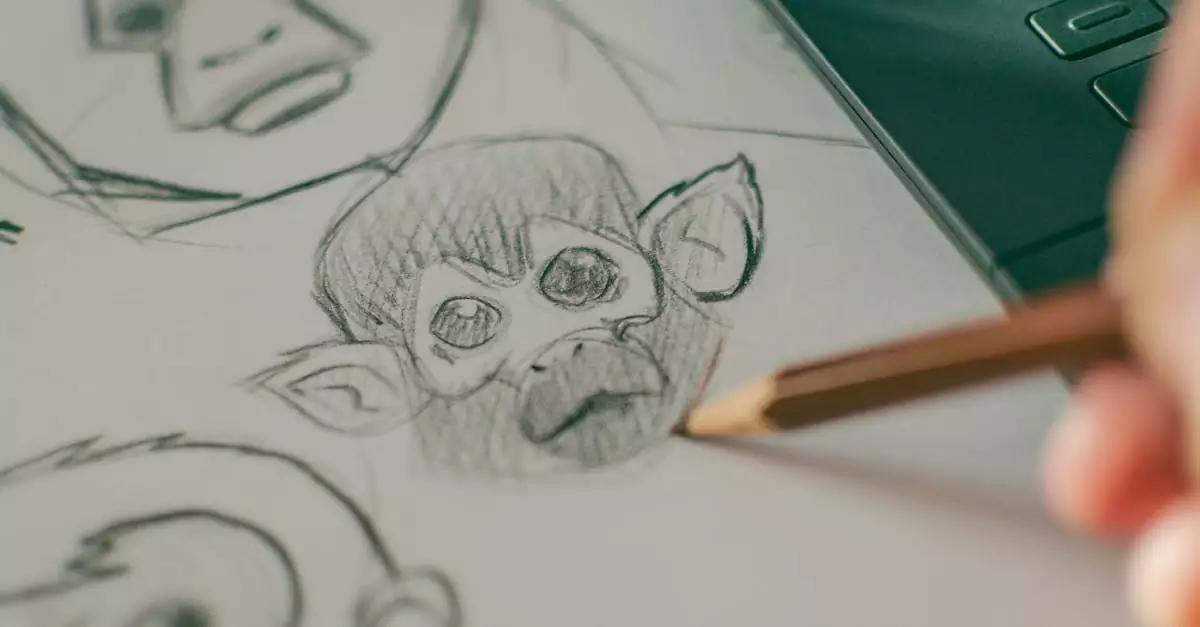
Drawing AI refers to artificial intelligence technologies designed to assist or automate the process of creating digital artwork. These tools range from AI drawing generators online to sophisticated software that integrates with traditional drawing techniques, making art creation faster, more intuitive, and often more innovative.
How Drawing AI is Revolutionizing Artistic Creation
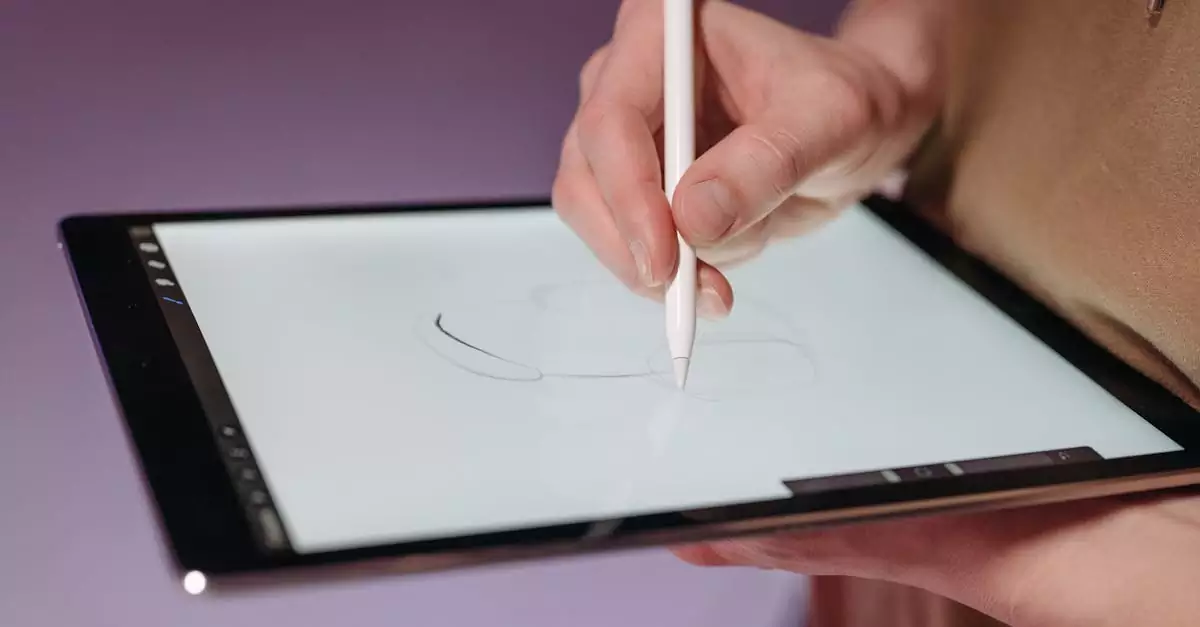
Drawing AI technology leverages machine learning algorithms and neural networks to understand and replicate artistic styles, generate original sketches, or enhance existing artwork. This technology is particularly valuable because it bridges the gap between traditional drawing skills and digital innovation.
For artists and creative professionals, using AI drawing software in 2026 means access to tools that can:
- Accelerate the sketching phase by generating rough drafts based on simple inputs or prompts.
- Apply complex style transfers, allowing artists to mimic famous art styles or create unique visual effects.
- Provide intelligent suggestions and corrections to improve composition, perspective, and color schemes.
- Offer a seamless blend of manual and automated drawing, supporting creativity without replacing the artist’s vision.
These benefits make drawing AI tools indispensable for today’s digital artists, hobbyists, and designers who want to stay ahead in a competitive creative landscape.
Top 10 Drawing AI Tools to Consider in 2026
Choosing the best AI for drawing depends on your specific needs, from free AI drawing tools for beginners to comprehensive AI drawing software for professionals. Here’s a detailed list of the top drawing AI tools available in 2026, highlighting their features, pricing, and ideal user profiles.
| Tool | Key Features | Pricing | Best For |
|---|---|---|---|
| DALL·E by OpenAI | Generative AI, style transfer, text-to-image prompts, high-resolution outputs | Pay-as-you-go credits; free tier available | Digital artists, illustrators |
| Adobe Sensei AI Drawing | AI-powered brushes, auto-coloring, content-aware editing integrated with Adobe CC | Subscription-based (Adobe Creative Cloud) | Graphic designers, professionals |
| Autodesk SketchBook AI | AI sketch assistance, predictive stroke, perspective guides | Free with premium options | Artists, hobbyists |
| DeepArt.io | Style transfer, AI-generated art filters | Free with watermark; paid plans for HD downloads | Art students, casual users |
| Artbreeder | Generative art blending, genetic algorithm for art creation | Free basic; paid subscriptions for higher resolution | Illustrators, concept artists |
| Runway ML | AI video and image generation, real-time collaboration, plugin support | Subscription-based with free tier | Multimedia artists, designers |
| Procreate with AI Plugins | AI brush enhancements, auto-layering, texture generation | One-time purchase; plugins vary | iPad artists, illustrators |
| Sketch2Code by Microsoft | Converts hand-drawn sketches to HTML code, AI-assisted design | Free with Azure account | UX/UI designers, web developers |
| PaintsChainer | Automatic anime-style coloring, style customization | Free with premium options | Manga artists, hobbyists |
| Clip Studio Paint AI | AI pose estimation, line smoothing, coloring assistance | Subscription or one-time purchase | Comic artists, illustrators |
Real-World Applications of AI Drawing Tools for Creatives
Drawing AI tools have a broad range of applications in the creative industry. Digital artists benefit from AI’s ability to generate initial concepts rapidly, allowing more time for refinement and creativity. Graphic designers can use AI-powered auto-coloring and style transfer to produce consistent branding assets with less manual effort.
Illustrators and comic artists increasingly rely on AI drawing apps for artists to automate repetitive tasks like inking and shading. Hobbyists and art students find free AI drawing tools invaluable for experimenting with styles and techniques without a steep learning curve.
For example, a concept artist might use OpenAI’s DALL·E to generate diverse character ideas quickly. Meanwhile, professional designers integrate Adobe Sensei’s AI features to streamline their workflow within familiar software ecosystems, as detailed on Adobe’s AI drawing page.
Weighing the Trade-Offs: Pros and Cons of Top AI Drawing Software
While AI drawing generators online offer impressive capabilities, it’s essential to consider their limitations alongside benefits. Here’s a balanced overview of the advantages and drawbacks of using AI drawing tools in 2026.
- Pros:
-
Significantly reduces time spent on initial sketches and repetitive tasks.
-
Encourages experimentation with different styles and compositions.
-
Accessible to users with varying skill levels, from beginners to pros.
-
Many tools offer cloud integration and collaborative features.
-
Some free AI drawing tools provide powerful capabilities without cost barriers.
- Cons:
-
Output quality can sometimes feel generic or lack the nuanced touch of traditional drawing.
-
Learning curves vary; some software requires technical knowledge.
-
Subscription pricing may be prohibitive for casual users.
-
Dependency on AI might reduce manual skill development if overused.
-
Data privacy concerns when uploading artwork to cloud-based AI platforms.
How to Select the Best AI Drawing Tool for Your Creative Needs
Choosing the right AI drawing software involves assessing your artistic goals, budget, and preferred workflow. Consider the following factors to make an informed decision:
- Feature Set: Identify which AI capabilities matter most — whether it’s generative art, style transfer, auto-coloring, or inking assistance.
- Ease of Use: Beginners may prefer intuitive interfaces and free AI drawing tools, while professionals might opt for feature-rich, subscription-based software.
- Platform Compatibility: Ensure the tool supports your device, whether it’s desktop, tablet, or mobile.
- Integration: Look for software that integrates smoothly with your existing digital art ecosystem, such as Adobe Creative Cloud or Autodesk applications (Autodesk AI page).
- Pricing Model: Evaluate free trials, subscription fees, and pay-as-you-go options against your budget and usage frequency.
- Community and Support: Access to tutorials, forums, and customer support can enhance your learning and problem-solving experience.
Common Pitfalls When Using AI for Drawing and How to Avoid Them
Many artists encounter challenges when incorporating AI drawing tools into their workflow. Avoid these common mistakes to maximize the benefits:
- Overreliance on AI: Treat AI as a creative assistant, not a replacement for artistic judgment and skill development.
- Ignoring Software Updates: AI tools evolve rapidly; keeping your software updated ensures access to the latest features and improvements.
- Neglecting Input Quality: AI output quality depends on the input data; providing clear prompts or sketches yields better results.
- Skipping Customization: Many AI drawing apps allow customization of styles and parameters—experiment to find what works best for your art.
- Disregarding Ethical Considerations: Be mindful of copyright and originality when using AI-generated content in commercial projects.
How Artists and Designers Are Leveraging AI Drawing Tools Today
In real-world scenarios, digital artists use AI drawing software to speed up concept art creation, allowing them to iterate faster and present clients with multiple options. Graphic designers incorporate AI-generated textures and backgrounds to enhance branding materials.
Illustrators working on comics and animation employ AI pose estimation and line smoothing to maintain consistency across frames. Art students use free AI drawing tools to practice different styles and gain insights into color theory and composition.
Hobbyists benefit from AI drawing generators online by exploring creative ideas without the pressure of mastering traditional techniques. This democratization of art creation fosters greater innovation and diversity in artistic expression.
Balancing Innovation and Tradition: Drawing AI vs Traditional Drawing
While AI drawing tools offer speed and new creative possibilities, traditional drawing remains invaluable for developing foundational skills and personal style. Drawing AI complements rather than replaces traditional methods, providing artists with powerful assistants that expand their toolkit.
Many professionals blend both approaches—starting with AI-generated sketches to overcome creative blocks, then refining details manually to add emotional depth and uniqueness. This synergy often leads to richer, more compelling artwork.
Expert Insight: Unlocking Creativity with AI Drawing Tools
Based on testing and practical experience, AI drawing tools dramatically reduce the time artists spend on initial sketches, which often consume the most effort and creativity. By automating this phase, artists can focus on refining their ideas and exploring novel styles through AI’s generative capabilities.
Moreover, style transfer features enable creatives to experiment with aesthetics that would otherwise require years to master, fostering innovation and diversity in art. However, experts emphasize the importance of balancing AI assistance with traditional skills to preserve artistic authenticity and personal expression.
Summary: Elevate Your Art with the Best Drawing AI Tools in 2026
Drawing AI tools are no longer futuristic concepts but practical assets that empower artists, designers, and hobbyists to create more efficiently and imaginatively. From AI drawing generators online to comprehensive software suites integrated into professional workflows, these tools cater to diverse creative needs and budgets.
When selecting an AI drawing app for artists, consider your goals, preferred features, and budget to find the best fit. Remember to use AI as a creative partner rather than a crutch, combining its power with your skills to produce truly original art.
Explore the tools mentioned here, try free AI drawing tools to get started, and watch how your creative process transforms in 2026 and beyond.
Frequently Asked Questions About Drawing AI
What is the best AI drawing software for beginners?
For beginners, tools like Autodesk SketchBook AI and DeepArt.io offer intuitive interfaces and free options that make exploring AI-assisted drawing easy without overwhelming complexity.
Can AI drawing tools replace traditional artists?
AI drawing tools enhance artists’ capabilities but don’t replace the creativity and personal touch that human artists bring. They serve as assistants to speed up workflows and inspire new ideas.
Are there free AI drawing tools available?
Yes, many AI drawing tools offer free tiers or versions, such as Autodesk SketchBook AI, DeepArt.io, and PaintsChainer, which are great for hobbyists and learners.
How does AI improve the drawing process?
AI improves drawing by automating initial sketches, suggesting enhancements, applying style transfers, and enabling rapid experimentation, thus saving time and expanding creative possibilities.
Is AI drawing software suitable for professional use?
Absolutely. Tools like Adobe Sensei AI Drawing and Clip Studio Paint AI are designed with professional features that integrate into industry workflows, enhancing productivity and quality.
Can AI tools help with learning to draw?
Yes, AI drawing apps can provide feedback, generate examples, and offer style variations, helping learners understand techniques and develop their skills more effectively.
What are the risks of using AI-generated art commercially?
Commercial use of AI-generated art may involve copyright and originality concerns. It’s important to review each tool’s licensing terms and ensure compliance with legal and ethical standards.