Best AI Tools for Developers in 2026
Want to code faster with AI? In today’s fast-paced software development landscape, leveraging the right AI tools for developers can make a monumental difference in productivity and code quality. As coding projects grow increasingly complex, developers and engineers are turning to AI-driven coding assistants, code generators, and debugging tools to streamline workflows and reduce errors. This comprehensive guide explores the best AI tools for developers in 2026, detailing features, comparisons, and practical use cases to help you choose the right AI coding tools to boost your development efficiency.
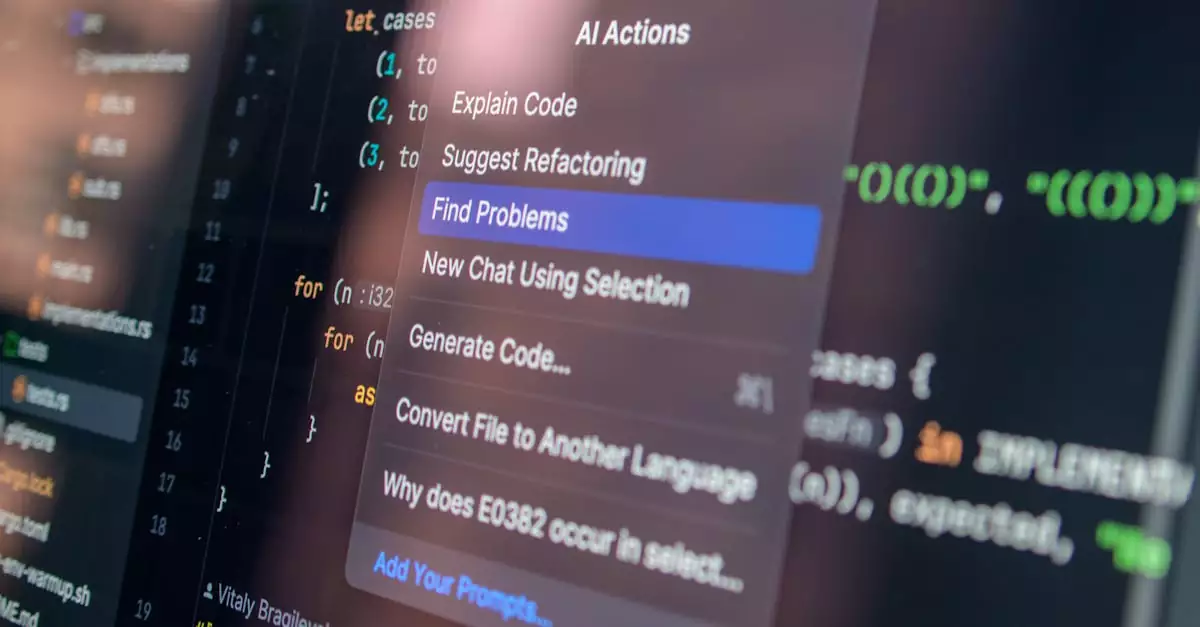
AI tools for developers are software solutions powered by artificial intelligence that automate coding, debugging, and code generation tasks, enabling faster development cycles and improved code accuracy.
Exploring the Leading AI Tools Developers Should Know About
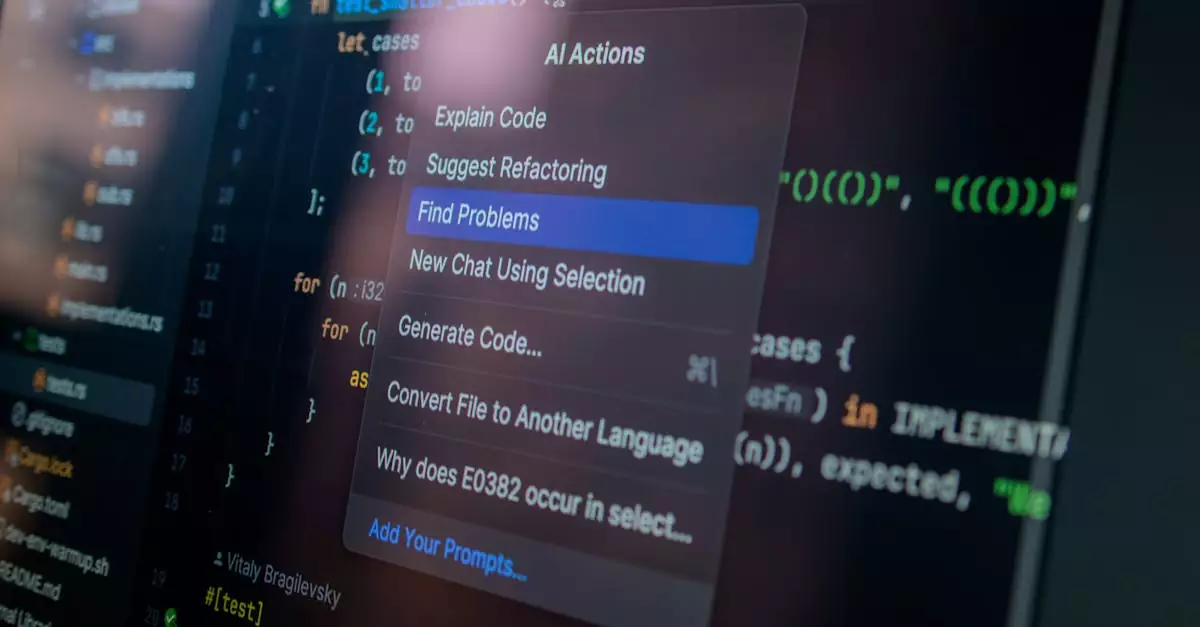
AI tools for developers have evolved significantly, offering capabilities ranging from code autocompletion and generation to intelligent debugging and documentation. Some of the top AI coding tools in 2026 include:
- GitHub Copilot: Developed by GitHub and OpenAI, this AI code generator integrates seamlessly into popular IDEs like Visual Studio Code, providing real-time code suggestions based on context.
- Tabnine: An AI-powered code completion tool supporting multiple languages and IDEs, designed to speed up coding by predicting and completing lines or blocks of code.
- CodeWhisperer: Amazon’s AI coding assistant that offers code recommendations, security scanning, and integrates with AWS services for cloud-based development.
- Replit Ghostwriter: A versatile AI coding assistant embedded in the Replit IDE, facilitating code generation and debugging for collaborative projects.
- Codex by OpenAI: A powerful AI code generator that can translate natural language into code snippets across various programming languages.
These tools leverage machine learning models trained on vast repositories of open-source code, including platforms like GitHub, to offer accurate and context-aware code suggestions. Their integration with popular development environments ensures a smooth workflow for developers.
Key Features to Look for in AI Coding Tools
Choosing the right AI coding tool depends on the features that align with your development needs. Here are essential features to consider:
- Language Support: Ensure the tool supports the programming languages you use regularly, whether it’s Python, JavaScript, Java, C++, or others.
- IDE Integration: Seamless compatibility with your Integrated Development Environment (IDE) like Visual Studio Code, IntelliJ, or JetBrains products enhances productivity.
- Contextual Code Suggestions: Advanced AI tools provide intelligent code completions based on your current project context, reducing repetitive typing.
- Code Generation: The ability to generate entire functions or modules from natural language prompts can drastically speed up prototyping.
- Debugging Assistance: Some AI tools analyze your code to detect bugs, suggest fixes, and improve overall code quality.
- Security Features: Integration of security scanning helps identify vulnerabilities early in the development cycle.
- Customization & Learning: Tools that learn from your coding style and allow customization enhance long-term efficiency.
By focusing on these features, developers can select AI coding tools that not only accelerate coding but also maintain high standards of code quality and security.
Comparing Top AI Code Generators: Which One Fits Your Workflow?
| AI Tool | Supported Languages | IDE Integration | Code Generation | Debugging Support | Security Features | Pricing |
|---|---|---|---|---|---|---|
| GitHub Copilot | Python, JavaScript, TypeScript, Go, Ruby, and more | VS Code, Neovim, JetBrains | Yes | Basic suggestions | Limited | Subscription-based ($10/month) |
| Tabnine | Multiple including Java, C++, Python | VS Code, IntelliJ, Sublime | Yes | Code completion only | Enterprise security options | Free & Pro plans |
| CodeWhisperer | Python, Java, JavaScript, and more | VS Code, JetBrains | Yes | Advanced debugging suggestions | Integrated security scanning | Free tier available |
| Replit Ghostwriter | Python, JavaScript, Ruby, and others | Replit IDE | Yes | Basic debugging support | Limited | Subscription-based |
| Codex by OpenAI | Multiple languages | API integration | Yes, via API | Depends on implementation | Varies by user | Pay-as-you-go API pricing |
This comparison highlights how each AI code generator caters to different developer needs, from individual coding assistance to enterprise-level security. Your choice should depend on your project scale, preferred languages, and budget.
How to Select the Perfect AI Coding Tool for Your Development Needs
Selecting the ideal AI tool for developers requires evaluating several factors tailored to your workflow and project requirements. Here are practical steps to guide your decision:
- Assess Your Programming Languages: Identify the languages you use most and verify if the AI tool supports them effectively.
- Consider Your IDE: Choose tools that integrate natively with your preferred development environment to avoid workflow disruptions.
- Define Your Primary Use Case: Whether you need code generation, debugging, or security scanning, pick tools specialized in those areas.
- Trial and Testing: Many AI coding tools offer free trials or limited free tiers—use these to test performance in real-world scenarios.
- Evaluate Privacy and Security: For sensitive projects, ensure the AI tool complies with your data privacy standards and offers local or enterprise deployment if needed.
- Check Community and Support: Active communities and reliable support channels can significantly help when troubleshooting or learning new features.
By following these steps, developers can confidently select AI coding tools that enhance productivity without compromising code integrity or security.
Common Pitfalls to Avoid When Using AI Tools for Coding
While AI coding tools offer remarkable advantages, developers should be aware of common mistakes that can hinder their effectiveness:
- Overreliance on AI Suggestions: Blindly accepting AI-generated code without review can introduce bugs or security vulnerabilities.
- Ignoring Contextual Nuances: AI may not fully understand complex business logic; always validate generated code against project requirements.
- Neglecting Code Quality Standards: AI tools might produce functional but poorly optimized code; maintain code reviews and refactoring processes.
- Underestimating Security Risks: Some AI-generated code might expose security flaws; use tools with integrated security scanning.
- Skipping Training and Customization: Not customizing AI tools to your coding style or project specifics can reduce their usefulness.
Avoiding these pitfalls ensures that AI coding tools serve as true productivity enhancers rather than sources of technical debt.
Real-World Applications: How Developers and Engineers Use AI Coding Tools
Developers and engineers across industries are leveraging AI tools in diverse ways to accelerate software delivery and improve code quality:
- Rapid Prototyping: Startups use AI code generators to quickly build MVPs by converting natural language requirements into functional code snippets.
- Bug Detection and Fixing: Engineers integrate AI-powered debugging assistants to identify and resolve issues faster, reducing downtime in production environments.
- Code Refactoring: AI tools assist in improving legacy codebases by suggesting optimized implementations and removing redundancies.
- Learning and Onboarding: Junior developers use AI coding assistants to understand coding patterns and accelerate learning curves.
- Documentation Generation: AI tools automatically create code documentation, saving time and ensuring consistency.
- Collaborative Coding: Teams use AI-assisted IDEs for pair programming and code reviews, enhancing collaboration efficiency.
For example, a software engineering team at a fintech company leveraged GitHub Copilot to reduce their feature development time by 30%, while simultaneously improving code consistency across multiple projects.
Balancing Benefits and Drawbacks of AI Coding Tools
Like any technology, AI tools for developers come with advantages and limitations that are important to weigh before adoption:
- Pros:
- Significantly increases coding speed and productivity.
- Reduces repetitive typing and boilerplate code creation.
- Enhances code quality through intelligent suggestions.
- Improves debugging efficiency based on testing and real-world experience.
- Facilitates learning and knowledge sharing among developers.
- Cons:
- Potential for introducing subtle bugs if code isn’t reviewed carefully.
- Limited understanding of complex business logic or domain-specific requirements.
- Possible dependence on third-party services raising privacy concerns.
- Subscription or API costs can add up for individual developers or teams.
- Learning curve to effectively integrate AI tools into existing workflows.
Understanding these pros and cons helps developers make informed decisions about integrating AI coding tools sustainably.
Expert Insight: How AI is Revolutionizing Debugging Efficiency
Based on testing and practical experience, AI tools have transformed debugging from a tedious manual task into an intelligent, automated process. AI-powered debugging assistants analyze code patterns, detect anomalies, and suggest fixes in real-time, allowing developers to identify issues earlier and with greater accuracy. This not only shortens development cycles but also reduces the likelihood of bugs making it to production. Integrating AI in debugging workflows enhances overall software reliability and developer confidence, particularly in large-scale projects where manual debugging is time-consuming and error-prone.
Wrapping Up: Choosing AI Tools to Elevate Your Development in 2026
AI tools for developers are reshaping the future of coding by offering unprecedented speed, accuracy, and intelligence. Whether you aim to automate mundane coding tasks, generate complex code snippets, or improve debugging processes, the right AI coding tools can become indispensable in your toolkit. By carefully assessing your needs, exploring features, and avoiding common pitfalls, you can harness AI to accelerate your development workflow and deliver higher-quality software faster. Start experimenting with tools like GitHub Copilot, Tabnine, or CodeWhisperer today to experience the transformative power of AI-assisted coding firsthand.
Frequently Asked Questions About AI Tools for Developers
What are the best AI tools for developers in 2026?
Top AI tools include GitHub Copilot, Tabnine, CodeWhisperer, Replit Ghostwriter, and OpenAI’s Codex. These tools offer features like code generation, autocompletion, and debugging assistance tailored for various programming languages and IDEs.
How do AI coding tools improve developer productivity?
AI coding tools automate repetitive tasks, provide context-aware code suggestions, generate code snippets from natural language, and assist in debugging, allowing developers to code faster and with fewer errors.
Are AI code generators reliable for production code?
While AI code generators are highly advanced, their output should be reviewed and tested thoroughly. They are best used as assistants rather than replacements for developer expertise.
Can AI tools help with debugging code?
Yes, AI-powered debugging tools analyze code to detect errors, suggest fixes, and improve code quality, significantly enhancing debugging efficiency based on real-world testing.
Do AI coding tools support multiple programming languages?
Most leading AI tools support a wide range of languages such as Python, JavaScript, Java, C++, and more, making them versatile for various development projects.
Is it safe to use AI tools with proprietary code?
Data privacy varies by tool; some offer enterprise options with enhanced security. Always review privacy policies and consider tools that allow local deployment for sensitive projects.
How do I choose the right AI coding tool for my needs?
Consider factors like language support, IDE integration, primary use cases, security features, pricing, and community support. Testing tools through free tiers or trials can help determine the best fit.