Best AI Video Editing Tools in 2026
Editing videos taking too long? For creators, the process of cutting, enhancing, and finalizing footage can be a painstaking, time-consuming task. Fortunately, the rise of ai tools for video editing has revolutionized how content is produced. These smart tools help creators save hours by automating complex tasks without sacrificing quality. Whether you’re a YouTuber, filmmaker, or social media influencer, leveraging ai video editor tools can streamline your workflow and boost productivity.
AI tools for video editing are software solutions that harness artificial intelligence to automate and enhance various aspects of video production, from trimming clips to adding effects, making editing faster and more efficient for creators.
Revolutionizing Creativity with AI Video Editor Tools
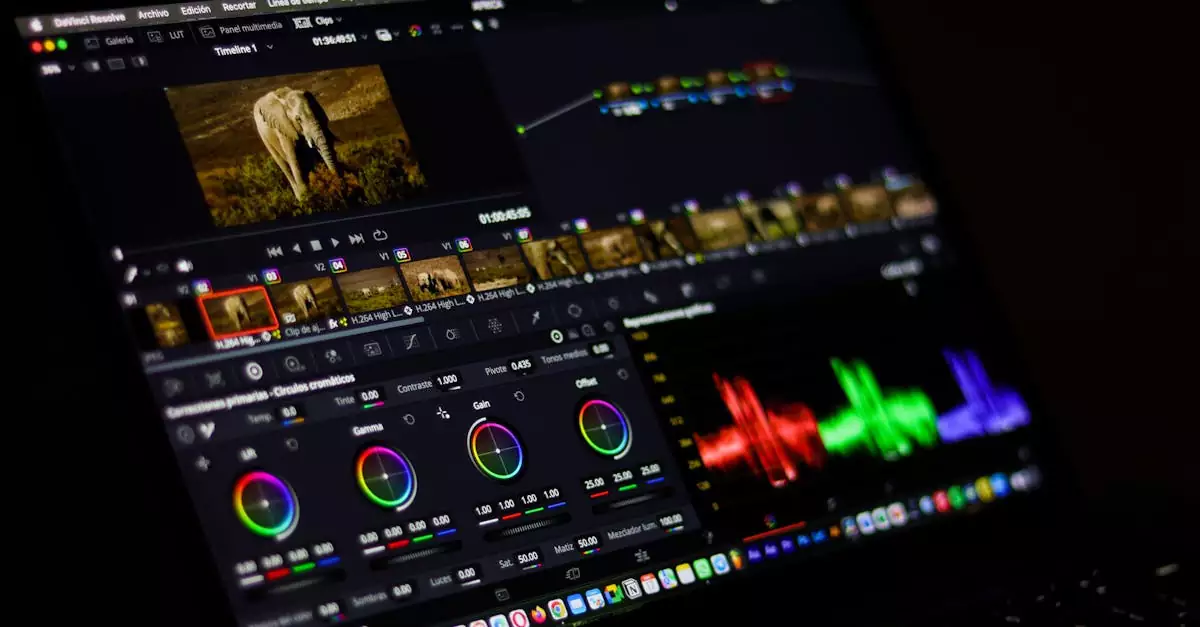
AI video editor tools are transforming the creative landscape by integrating machine learning algorithms and computer vision into video editing software. These tools analyze footage to identify key moments, suggest edits, and even apply filters automatically. For creators, this means less manual labor and more time focusing on storytelling and content quality.
For example, AI-powered scene detection can automatically segment a video into meaningful parts, saving hours of manual review. Additionally, AI-driven color correction and audio enhancement adapt dynamically to footage, ensuring professional-grade outcomes with minimal input.
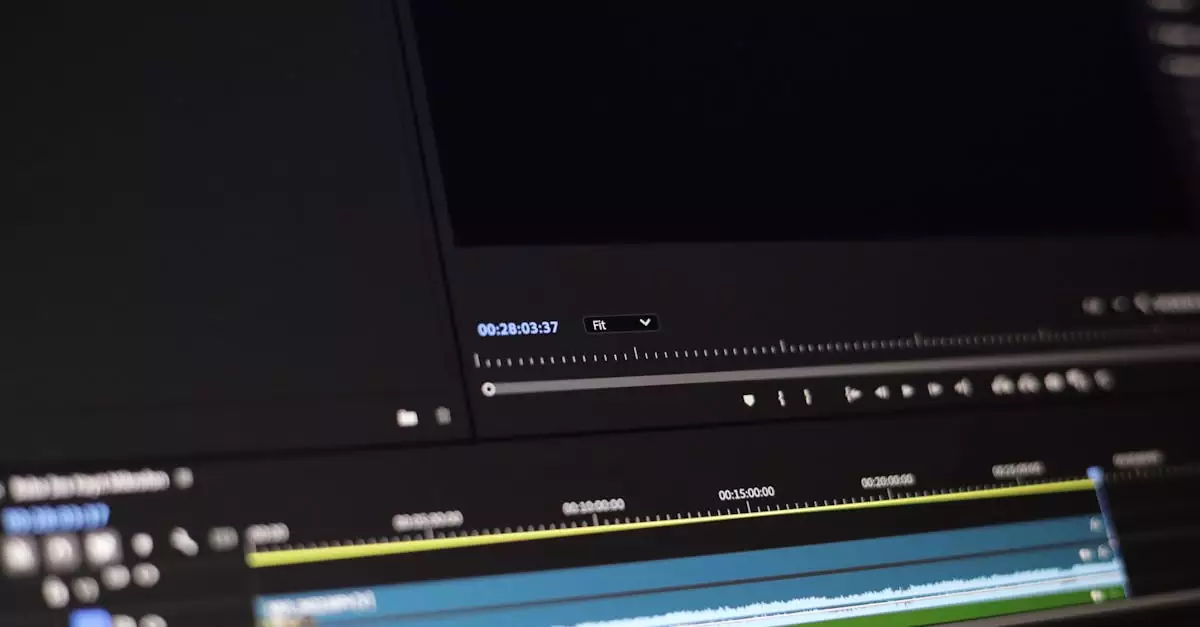
Many platforms now incorporate AI features, including popular software like Adobe Premiere Pro, which integrates AI through Adobe Sensei to offer intelligent editing suggestions. This fusion of AI within established editing environments allows creators to harness cutting-edge technology without needing to learn entirely new tools.
Why AI Tools for Video Editing Are Essential for Creators
Using ai tools for video editing is no longer a luxury but a necessity for creators aiming to keep up with the fast-paced digital world. Here’s why these tools matter:
- Time Efficiency: AI automates repetitive tasks such as trimming, transitions, and captions, drastically reducing editing time.
- Enhanced Quality: AI-driven features like noise reduction, color grading, and stabilization enhance video quality without extensive manual tweaking.
- Accessibility: Even creators with limited technical skills can produce professional-grade videos using AI-powered interfaces.
- Consistency: AI ensures uniformity in style and output across multiple videos, important for branding purposes.
- Cost Savings: Reducing the need for large editing teams or outsourcing helps save budget while maintaining quality.
These benefits collectively empower creators to produce more content faster, stay competitive, and engage audiences effectively.
Top AI Video Editing Tools to Try in 2026
Choosing the right ai video editor tools can be overwhelming with so many options available. Below is a curated list of the best AI video editing tools that combine innovation, usability, and powerful features tailored for creators.
| Tool | Key AI Features | Best For | Pricing |
|---|---|---|---|
| Adobe Premiere Pro (with Adobe Sensei) | Auto reframe, scene edit detection, color matching | Professional creators and filmmakers | Subscription-based (starts at $20.99/mo) Learn more |
| Magisto | Auto video creation, smart storytelling, facial recognition | Social media creators and marketers | Starts at $4.99/mo |
| Runway ML | AI-powered video inpainting, object removal, green screen | Experimental creators and AI enthusiasts | Free tier available, paid plans start at $15/mo |
| InVideo | AI voiceover, auto text-to-video, templates | Content marketers and beginners | Free and paid plans starting at $15/mo |
| Descript | Overdub voice cloning, video transcription, filler word removal | Podcasters and video editors | Free plan; paid plans from $12/mo |
How to Select the Best AI Video Editor Tools for Your Workflow
With a growing list of ai video editor tools, selecting the right one depends on your unique needs and skill level. Here are key factors to consider during your decision-making process:
- Project Complexity: For high-end film production, tools like Adobe Premiere Pro with advanced AI are ideal. For quick social clips, simple AI tools like Magisto or InVideo may suffice.
- User Experience: Beginners should prioritize intuitive interfaces and templates, while experienced editors might want customizable AI features.
- Integration: Consider how well the AI tool integrates with your existing software and hardware setup.
- Budget: Pricing varies widely; free trials and tiered plans can help test tools before committing.
- Output Quality: Evaluate the AI’s ability to maintain or improve video quality, especially for color grading and effects.
Testing multiple tools in real-world scenarios can provide insights into which AI video editor tools best align with your workflow and creative goals.
Common Pitfalls to Avoid When Using AI Video Editing Tools
While ai tools for video editing provide significant advantages, creators must be cautious of common mistakes that can undermine their effectiveness:
- Over-reliance on Automation: Fully depending on AI can result in generic or uninspired edits. Always review and tweak automated outputs.
- Ignoring Learning Curve: Some AI tools have complex features—invest time in learning to maximize benefits.
- Neglecting Hardware Requirements: Advanced AI editing can demand powerful machines; ensure your hardware supports the software.
- Skipping Backup: Always save original footage and project files separately to avoid data loss during AI processing.
- Underestimating Editing Goals: Define clear objectives to guide AI usage rather than letting it dictate the creative direction.
By understanding these pitfalls, creators can better harness AI video editor tools to complement their skills rather than replace them.
How Creators Are Leveraging AI Video Editing Tools in Real Life
Video creators across niches are increasingly adopting ai tools for video editing to enhance productivity and creativity. Here are some detailed use cases:
- YouTube Content Creators: Many YouTubers use AI-powered scene detection and auto-captioning to speed up post-production, enabling more frequent uploads and improved accessibility.
- Social Media Influencers: AI video editor tools help influencers quickly create engaging short clips with auto-generated transitions and music syncing, perfect for platforms like TikTok and Instagram.
- Marketing Teams: Brands use AI to generate personalized video ads by automatically editing footage based on target demographics, increasing engagement and conversion rates.
- Documentary Filmmakers: AI aids in organizing hours of raw footage by detecting scenes and faces, simplifying the editing process and allowing deeper focus on storytelling.
- Educational Content Producers: AI tools assist in creating instructional videos by generating subtitles, voiceovers, and highlighting key points, making content more accessible and engaging.
These practical examples highlight how AI video editor tools empower creators to meet diverse demands efficiently.
Weighing the Pros and Cons of AI Video Editing Tools
Like any technology, ai tools for video editing come with strengths and limitations. Understanding these helps creators make informed choices.
- Pros:
- Significantly reduces editing time by automating repetitive tasks.
- Improves video quality through AI-driven enhancements like color correction and stabilization.
- Makes high-end editing accessible to users with limited technical skills.
- Enables creative experimentation with AI-generated effects and suggestions.
- Supports scalability for creators producing large volumes of content.
- Cons:
- May produce generic edits if overused without manual input.
- Some advanced AI features require powerful hardware and stable internet.
- Subscription costs can add up, especially for premium tools.
- Learning curve exists for mastering AI functionalities effectively.
- Occasional errors in AI detection can require manual correction.
Balancing these pros and cons ensures creators use AI as a tool to enhance—not replace—their creative vision.
Expert Perspectives on the Future of AI in Video Editing
Based on testing and real-world scenarios, industry experts agree that AI will continue to reshape video editing profoundly. AI’s ability to reduce editing time significantly allows creators to focus more on content quality and storytelling instead of technical drudgery.
Experts emphasize that while AI tools are powerful, human creativity remains irreplaceable. The best outcomes arise when AI complements human insight, offering suggestions and automations while leaving final decisions to the creator.
With ongoing advancements in machine learning, future AI video editor tools will likely offer even more personalized and intuitive features, such as adaptive style editing based on viewer preferences and seamless integration with virtual production environments.
Creators who embrace AI today position themselves at the forefront of innovation, gaining competitive advantages in an increasingly crowded digital landscape.
Final Thoughts: Embracing AI Tools for Video Editing Success
In 2026, the best ai tools for video editing are indispensable assets for creators seeking to elevate their video production. By automating time-consuming tasks, enhancing quality, and expanding creative possibilities, these tools empower creators to produce compelling content faster and more efficiently.
Whether you’re a beginner or a seasoned professional, exploring AI video editor tools like Adobe Premiere Pro, Magisto, or Runway ML can transform your workflow and unlock new creative potentials. Remember to choose tools that align with your needs, avoid common pitfalls, and balance AI automation with your unique creative touch.
As AI technology evolves, staying informed and adaptable will ensure you harness these innovations to their fullest, keeping your content fresh, engaging, and ahead of the curve.
Frequently Asked Questions About AI Video Editing Tools
What are the main benefits of using AI tools for video editing?
AI tools speed up editing by automating tasks like trimming, color correction, and captioning. They improve video quality and make editing accessible to users with varying skill levels, helping creators save time and produce professional content.
Are AI video editor tools suitable for beginners?
Yes, many AI video editor tools offer user-friendly interfaces and templates designed for beginners. These tools simplify complex processes, allowing newcomers to create polished videos without extensive technical knowledge.
Can AI replace human video editors?
While AI automates repetitive tasks, it cannot fully replace human creativity and judgment. The best results come from combining AI’s efficiency with human insight for storytelling and nuanced editing decisions.
Do AI video editing tools require powerful hardware?
Some advanced AI features, such as real-time effects and rendering, may require high-performance hardware. However, many cloud-based AI editing platforms reduce local hardware demands by processing videos online.
How do I choose the right AI video editor tool?
Consider your project complexity, skill level, budget, and desired features. Testing multiple tools through free trials can help determine which AI video editor best fits your workflow and creative goals.
Is Adobe Premiere Pro a good choice for AI video editing?
Adobe Premiere Pro integrates AI through Adobe Sensei, offering advanced features like auto reframe and scene detection. It’s a preferred choice for professional creators seeking powerful AI enhancements within a comprehensive editing suite.
Can AI tools help with video accessibility?
Yes, many AI editors generate automatic captions, transcriptions, and audio enhancements that improve video accessibility for diverse audiences, meeting compliance and engagement needs.